Does Murf AI work on mobile?

Imagine having artificial intelligence in your pocket. It's ready to change your voiceover projects anytime, anywhere!
The Murf mobile app lets you use this cool tech on your phone.
You can try out different voices and make your voiceovers sound great, no matter where you are.
This app lets you use voice generation technology on your phone. It makes your projects better, all from your mobile.

Key Takeaways
- Easily try out different voices and customize voice styles on-the-go.
- Create high-quality voiceovers for your projects using the Murf mobile app.
- Enhance your productivity and creativity with AI-powered voice generation technology.
- Access a range of innovative features directly from your mobile device.
- Transform your voiceover projects with the power of artificial intelligence.
If you're interested in getting started, learn how to use Murf AI effectively for your projects.
This guide provides step-by-step instructions on optimizing your voiceovers.
It ensures you make the most of this innovative tool.
Introduction to Murf AI
Discover Murf AI, a tool that changes how we make voiceovers. It uses machine learning to make voiceovers fast and good. This is much quicker than old ways.
Core Features of Murf AI
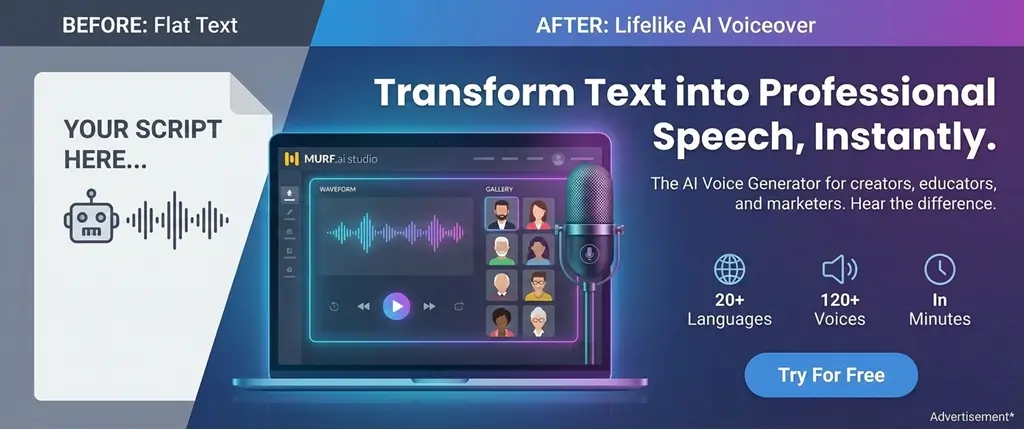
Murf AI supports 20+ languages. This includes English, German, and many more. It's great for businesses and people making content for many places.
Benefits of Using Murf AI
Using Murf AI saves a lot of time and effort. Its advanced technology makes sure the voiceovers are top-notch. It's perfect for mobile app development and educational content.
Murf AI offers a wide range of voices that can enhance your creations. Explore voice options to find the perfect match for your content.
This variety allows for more personalized voiceovers.
Murf AI Mobile Compatibility
Murf AI's innovative software works great on mobile. This lets you make voiceovers anywhere, anytime. It's perfect for when you're on the move or like working on your phone.
The Murf AI uses smart technology. This makes it work well on all kinds of devices. So, you can start on one device and finish on another without trouble.
iOS and Android Support
Murf AI works on both iOS and Android phones. This means you can make voiceovers wherever you are. The app is easy to use, even on small screens.
- Download the Murf AI app from the App Store for iOS devices.
- Get the Murf AI app from Google Play Store for Android devices.
- Enjoy a consistent experience across both platforms.
While you can use Murf AI in a browser, the app is better. It uses your phone's features to make voiceovers faster and easier.
The Murf AI app shows benefits like enhanced performance and offline access.
Here are some good things about the Murf AI app:
- Enhanced Performance: The app is made for mobiles. It works well, even with big voiceover projects.
- Offline Access: You can make voiceovers without the internet. This is great for working on the go.
- Push Notifications: Get the latest Murf AI news and updates right on your phone.
For those considering a subscription, check pricing plans to see what fits your budget.
Murf AI's affordable options make it accessible for everyone.
Understanding the costs helps you plan accordingly.
User Experience on Mobile
Murf AI's mobile app makes it easy to create voiceovers anywhere. It's designed to be simple and fun to use. You can easily find what you need.
Interface and Navigation
The app has a clean and easy-to-use interface. It helps you focus on making great content. Here are some key features:
- Simple Menu Structure: The menu is easy to use, giving you quick access to tools.
- Prominent Call-to-Actions: Important actions like starting a new project are easy to find.
- Customizable Settings: You can make the app your own by adjusting settings.
These features make creating voiceovers fun and easy. You're in control, making high-quality voiceovers without trouble.
Performance and Speed
Murf AI's app is fast and efficient. It's designed to work quickly, so you can focus on your work.
- Fast Rendering: Murf AI's tech makes voiceovers quick to render.
- Smooth Navigation: The app works well, even with big projects.
- Efficient Resource Management: It uses your device's resources wisely, saving battery and data.
Murf AI's app is fast and reliable for voiceover creation. It works well for any project, big or small.
Creating Voiceovers on Mobile
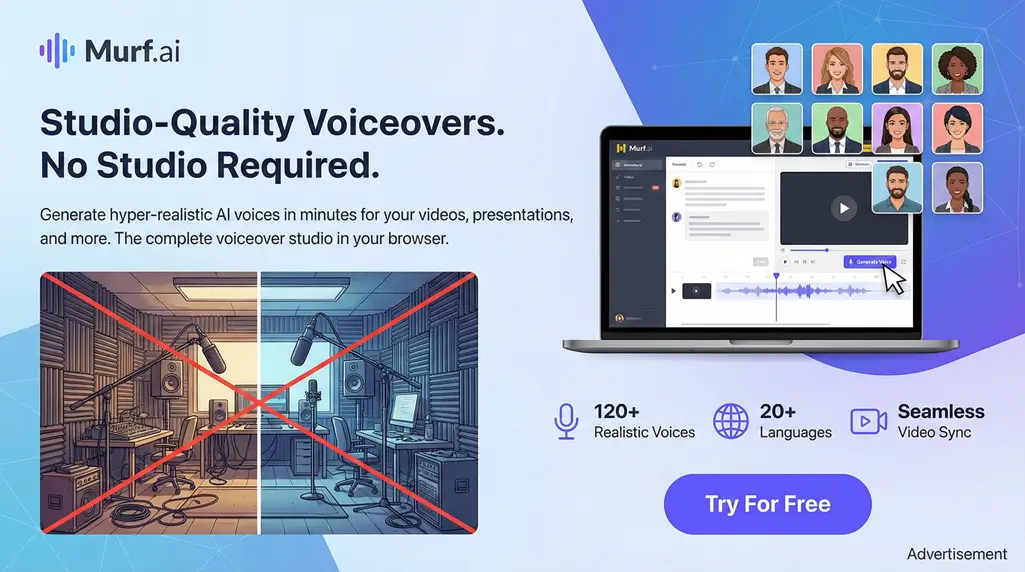
Murf AI makes voiceover tech easy to use on your phone. It has a simple design and lots of features. You can make great voiceovers anywhere, anytime.
To understand its advantages, compare with alternatives like ElevenLabs for a better perspective.
This comparison highlights why Murf AI stands out.
It can guide your decision in choosing the right tool.
Step-by-Step Guide
Using Murf AI on your phone is easy. Here's how to do it:
- Choose Your Text: Type or paste the text you want to turn into a voiceover.
- Select Your Voice: Choose from many voices and accents to match your project.
- Customize Settings: Change speed, pitch, and volume to make your voiceover just right.
- Preview Your Voiceover: Listen to it to make sure it sounds good.
- Share or Export: When you're happy, share or save it in your favorite format.
Output Options
Murf AI lets you pick the output format you need. You can choose MP3, WAV, or more. This makes sure your voiceover works with lots of apps and devices.
"The flexibility in output options is a game-changer for content creators," says a happy Murf AI user. This flexibility and the chance to customize make Murf AI great for mobile voiceover needs.
Murf AI uses advanced technology and data analytics. This means your voiceovers are top-notch and just what you need. It's perfect for social media, school stuff, or ads. Murf AI's cool features help you get your job done fast.
Integration with Other Apps
Murf AI works well with other tools you use. This is great for people who use many apps at once.
Third-Party App Integrations
Murf AI works with apps like Canva. You can make pictures and voiceovers together. This makes work easier.
- Seamless integration with design tools
- Enhanced collaboration features
- Streamlined workflow for mobile users
If you're new, try free version to explore its features without commitment.
The free plan offers basic functionalities.
It’s a great way to test the waters.
Sharing and Exporting Voiceovers
After making a voiceover, Murf AI lets you share or export it easily. You can send it to your favorite place or share a link.
- Export voiceovers in multiple formats
- Share links directly to your files
- Integrate with your favorite productivity apps
Using Murf AI with your tools can make your work more creative and efficient.
Voice Options and Customization
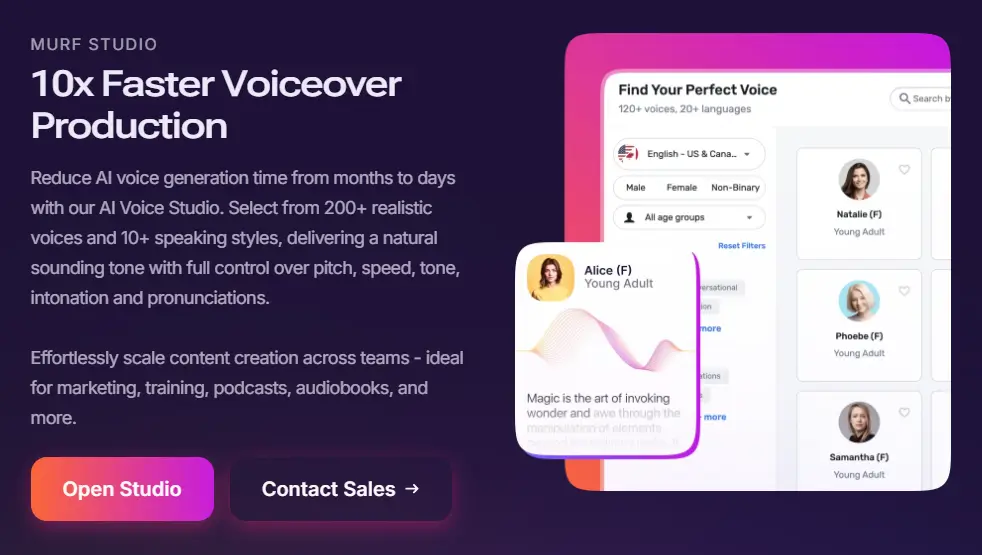
Murf AI has a huge library of 200+ voices. This lets you make your voiceover truly yours. It uses machine learning and smart technology to make voices real and easy to change.
Available Voices and Accents
Murf AI has many voices and accents for different needs. You can pick the perfect voice for your video or podcast, no matter where it's for.
- Over 200 realistic voices across different languages and accents.
- 10+ speaking styles to match the tone of your content.
- The ability to choose voices based on gender, age, and tone.
Customization Tools for Voice Modulation
Murf AI's tools let you tweak the voice to fit your content's mood. You can change the pitch and speed, add emphasis, and adjust how words are said.
- Adjust the pitch and speed to fit your narrative.
- Add emphasis to key words or phrases.
- Customize pronunciation for a more natural flow.
These tools give you the freedom to make unique, top-notch voiceovers.
Pricing and Plans for Mobile Users
Let's look at Murf AI's pricing and plans for mobile users. It's important to know the costs and what you get. This helps you use this innovative software to its fullest.
Murf AI has both free and paid plans. The free plan is great for beginners. It gives you 10 minutes of voice generation time. It's perfect for those who are just starting or have simple needs.
Free vs. Paid Plans
The free plan is a good starting point. But, for more use, the paid plans offer more. Here's a comparison:
- Free Plan: 10 minutes of voice generation, limited features.
- Paid Plans: More voice generation time, advanced features, and priority support.
Think about what you need before choosing. If you use it a lot or need more features, a paid plan might be better.
Value for Money Analysis
Murf AI's pricing for voiceovers is competitive. The paid plans offer more for your money. They have features that make your work better and faster.
To get the most from Murf AI on mobile, remember these tips:
- Figure out your voiceover needs and pick a plan that fits.
- Use the extra features in paid plans for better results.
- Enjoy the app's ease of use for making voiceovers anywhere.
Murf AI's plans and user-friendly interface are great for mobile users. Whether you use it a little or a lot, there's a plan for you.
Customer Support and Resources
To get the most out of Murf AI, you need to use its great support system. It has FAQs, a knowledge base, and community forums. This system helps you solve problems and enjoy using the app more.
FAQs and Knowledge Base
Murf AI has a big knowledge base with lots of info. It covers everything from starting to use the app to advanced stuff and fixing problems. The FAQs are super helpful, giving quick answers to common questions.
- Detailed guides on voiceover creation and customization
- Troubleshooting tips for common issues
- Insights into the latest features and updates
This resource is key for a better user experience. It lets you explore the app's features and use them fully.
Community Support and Forums
Murf AI also has a lively community. Users share their tips and experiences. The community forums are perfect for connecting with others, asking questions, and learning from their stories.
Talking to the community can show you new ways to use Murf AI. You can also share your own knowledge and help others grow.
"The community support has been a game-changer for me. I've learned so much from other users and been able to help them out too!"
Using both official support and community knowledge makes your Murf AI journey better. It makes your experience more productive and fun.
Conclusion: Is Murf AI Worth It on Mobile?
Murf AI has changed how we make voiceovers on our phones. It uses cool tech to make it easy to use on mobile. It's a great pick for people who make content.
Assessing the Value Proposition
The Murf AI mobile app is very good. It helps you make voiceovers fast and well. It works with other apps and lets you change things a lot.
What's Next for Murf AI?
Murf AI will keep getting better. It will add new cool stuff to its mobile app. It's all about using the latest tech to make voiceovers.
If you make content, Murf AI mobile is a great choice. It's easy to use and has lots of cool features. It's a must-have for making voiceovers.

Address
c/o Postflex #586
Emsdettener Straße 10
48268 Greven
Germany

If you click on them and make a purchase, I may receive a small commission.
The price remains exactly the same for you. Thank you for your support!