Is Murf AI free?

Are you wondering about Murf AI's cost?
Many people are looking for affordable text-to-speech tools. Let's look into it.
Murf AI has both free and paid options.
The free plan lets you use basic features and make voices for up to 10 minutes. It's great for trying it out before paying.
But what's in the free plan, and what do paid plans offer?
We'll answer these and more. This will help you decide if Murf AI is for you.

Key Takeaways
- Murf AI offers a free plan with basic features and limited voice generation time.
- The free plan is ideal for testing the platform before upgrading.
- Paid plans offer additional features and longer voice generation times.
- Murf AI's pricing is competitive in the text-to-speech market.
- The platform is suitable for entrepreneurs and businesses looking for cost-effective solutions.
Is There a Free Version of Murf AI?
Are you wondering if Murf AI is free? Yes, it is, but there are some rules. Murf AI has a free plan that lets you try it out.
Details on Free Access
The free plan gives you 10 minutes of generated voice and transcribed time. This is enough to see what Murf AI can do. To get the free plan, just sign up on the Murf AI website. It's easy, and you'll start making voices quickly.
Here are some cool things you get with the free plan:
- Voice Generation: Make top-notch voiceovers for your stuff.
- Transcription: Easily transcribe your audio or video.
- User-Friendly Interface: The dashboard is easy to use.
Limitations of the Free Tier
The free plan is a good start, but it has some limits. For example, you can't download generated voices without paying. Also, the 10-minute limit might not be enough for big projects.
Other limits include:
- Not enough time for voice generation and transcription.
- No way to download voices you make.
- Generated content might have a watermark or branding.
Even with these limits, the free plan is great for trying out Murf AI's benefits. It has lots of voice options and works with other tools. If you need more, you can always pay for a better plan.
If the free plan isn't sufficient for your needs, consider looking into the paid plans.
For detailed information on Murf AI pricing, visit the official page.
This will give you insight into what features are available at different price points.
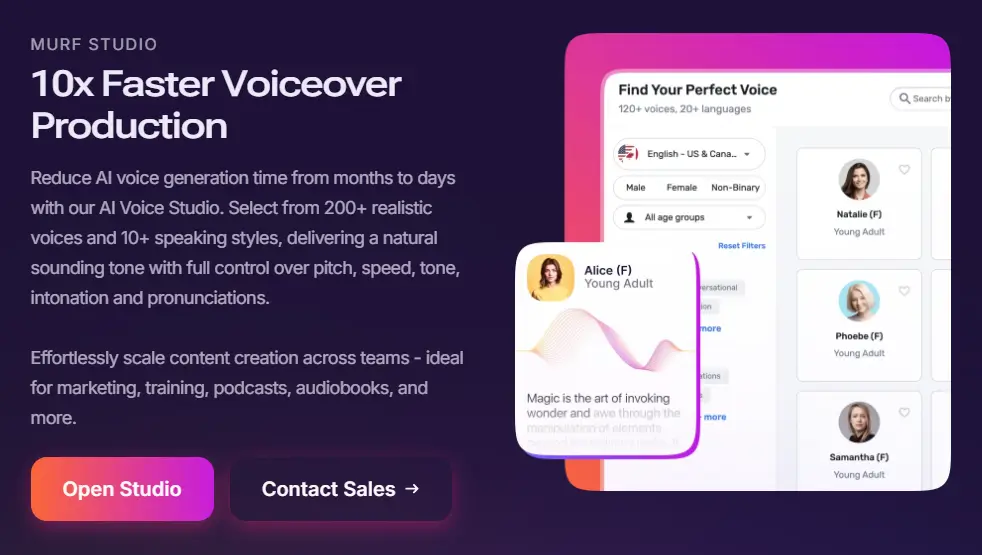
Benefits of Using Murf AI
With Murf AI, you're just a few clicks away from creating stunning voiceovers. This powerful tool is designed to make your life easier. It works for both seasoned professionals and beginners.
User-Friendly Interface
Murf AI has a intuitive interface. You don't need to be tech-savvy to use it. The dashboard is clean, and options are clear, making it easy to start.
Versatile Voice Options
Murf AI has an impressive library of voices in many languages and accents. You can pick the perfect voice for your content. A happy user said,
"Murf AI's voice options are incredibly diverse, allowing me to find the perfect fit for my brand."
Integration with Other Tools
Murf AI also integrates well with other tools and software. It fits right into your workflow, whether you're using video editing software or other tools. This makes it a versatile solution for professionals.
Some key benefits of using Murf AI include:
- Easy to use, even for those without extensive technical knowledge
- A wide range of voice options to suit different content needs
- Seamless integration with other productivity tools
By using these features, you can significantly enhance your content creation process. It makes your work more efficient and effective.
To make the most of Murf AI's features, it's important to understand how to use it effectively.
You can learn how to use Murf AI by following step-by-step guides.
These tutorials can help you navigate the interface and generate high-quality voiceovers.
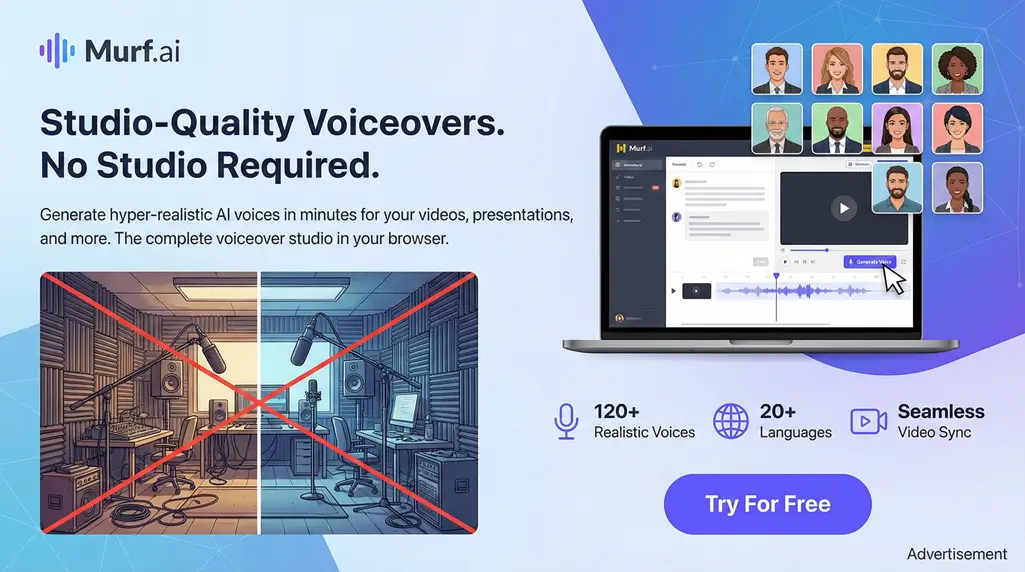
How to Get Started with Murf AI
Ready to explore AI voiceovers? Let's start with Murf AI! It's easy to begin. Just create an account, learn the dashboard, and start making voiceovers.
Account Creation
First, go to the Murf AI official website and sign up. It's quick and simple. You'll need your name, email, and a password. Click "Sign Up" to make your account.
Then, you might need to verify your email. This is to make sure you're real. Just click the link in your email, and you're ready!
Navigating the Dashboard
After logging in, you'll see the Murf AI dashboard. It's your main place for creating voiceovers and managing projects. The dashboard is easy to use, even if you're not tech-savvy.
Explore the dashboard's sections. You can pick your voice, adjust settings, and start making voiceovers. Try the trial or free version first if you're new.
First Steps After Signup
After setting up your account and getting to know the dashboard, it's time to start. Click "Create New Project" to make your first voiceover. Pick your voice, type in your text, adjust settings, and then "Generate" it.
Murf AI is a great way to see how AI voice generation works. It's perfect for videos, podcasts, or other projects. So, start making with Murf AI today and see what AI voiceovers can do!
If you're comparing different AI voice tools, Murf AI stands out among other options.
Check out this comparison between Murf AI and ElevenLabs to see how they differ.
It provides insights on voice quality, features, and pricing.
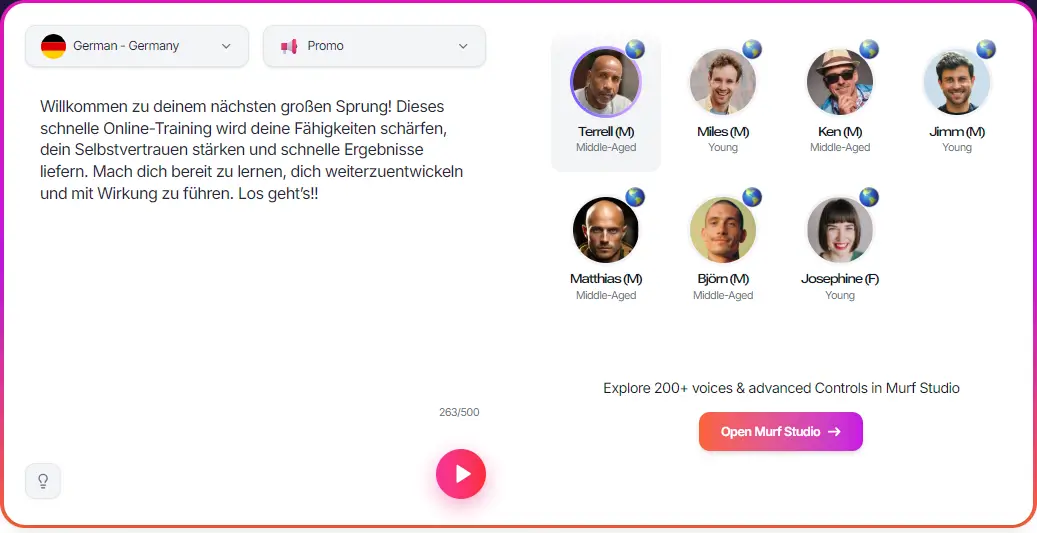
Pricing Plans for Murf AI
Murf AI has many pricing plans for different needs. Whether you're alone or with a team, knowing the costs and benefits is key. This helps you choose wisely.
Key Features of Paid Plans
Murf AI's paid plans offer great features for better content. Here are some main benefits:
- Higher Quality Voices: Get voices that sound more real and detailed.
- Advanced Customization: Control the tone, pace, and style of your voiceovers more.
- Commercial Rights: Use your voices in commercial projects without copyright worries.
- Priority Support: Get help faster and more personally when you need it.
Paid plans offer big upgrades, like better voice quality and rights for business use. If you're serious about Murf AI, a paid plan is a good choice.
In short, Murf AI's plans are flexible for all users. Knowing what each plan offers helps you pick the best for your needs.
While the paid plans offer more, the free tier is a great starting point.
Discover if there's a Murf AI free forever option by reviewing the details.
Understanding the free limitations can help you decide if upgrading is necessary.
User Feedback and Reviews
Murf AI is making waves with its cool voice generation. But, what do people really think? We looked into user feedback and reviews. It shows Murf AI has both pleased and upset users in different ways.
Positive Aspects of Murf AI
Many users love Murf AI's realistic voice outputs and ease of use. They say it makes high-quality voiceovers that sound like real people. Here are some benefits users like:
- Versatile Voice Options: Users can pick from many voices and accents. This helps fit their brand or project.
- User-Friendly Interface: The easy-to-use dashboard lets users make voiceovers without tech skills.
- Integration Capabilities: Murf AI works well with other tools. This makes users' work easier and faster.
Common Criticisms and Concerns
Even with lots of good feedback, Murf AI gets some bad comments. Some say the free version is too limited. Others want more advanced customization options for their voiceovers.
"While Murf AI is easy to use, the free version's lack of advanced features is a drawback for some projects."
Common worries include:
- Users want more control over voice outputs, like changing pitch and tone.
- They wish for more language and accent choices to reach more people worldwide.
- They hope for better customer support to help with questions and problems.
In short, Murf AI has made a big splash with its voice tech. It has gotten both praise and criticism from users. By knowing what users say, others can decide if Murf AI is right for them.
Users praise Murf AI for its diverse voice options.
Learn more about the available Murf AI voices in our in-depth article.
This variety allows for customization in various accents and languages.
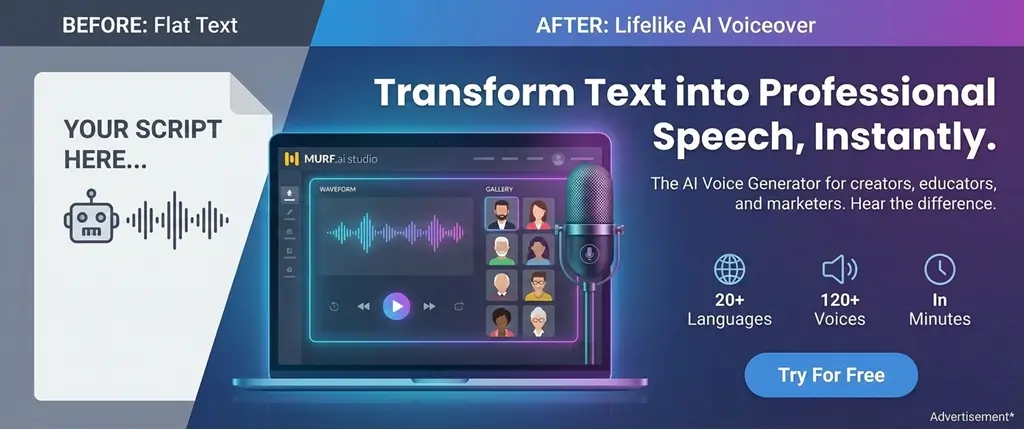
Alternatives to Murf AI
The world of AI voice generators is huge. There are many options other than Murf AI. You can find different features, prices, and more.
Popular AI Voice Generators
Some top choices include:
- Amazon Polly: It's known for great voice synthesis and lots of languages.
- Google Text-to-Speech: It has many voices and languages, with a focus on sounding natural.
- IBM Watson Text to Speech: It has lots of features, like custom voices and supports many formats.
These options have different features and prices. For example, Amazon Polly is good if you use Amazon a lot because it works well with it.
Comparing Features and Pricing
When looking at these options, consider a few things:
- Pricing: Look at how they charge. Some charge per use, others by subscription.
- Voice Quality: The voice quality can differ a lot between services.
- Customization: Being able to change voices and adjust speed and pitch is important for some uses.
Here's a quick comparison:
| Service | Pricing Model | Voice Quality |
|---|---|---|
| Murf AI | Subscription-based | High |
| Amazon Polly | Pay-as-you-go | High |
| Google Text-to-Speech | Pay-as-you-go | Very High |
The best choice for you will depend on what you need. Think about pricing, features, and voice quality to make a good choice.
Tips for Maximizing Your Use of Murf AI
Using Murf AI well can really help you make better content. Knowing how to use its features can make your voiceovers stand out. This will grab your audience's attention.
Best Practices for Voice Generation
To get the best from Murf AI, follow these tips:
- Choose the right voice: Pick a voice that fits your brand and the mood you want.
- Adjust the speed and pitch: Change the speed and pitch to match your content.
- Use high-quality input: Make sure your text is clear and error-free for the best results.
Using these tips can significantly improve your voiceovers. This makes your content more interesting.
Leveraging Templates and Resources
Murf AI has many templates and resources to help you. There are demos and training to make you better at using Murf AI.
To get the most from these resources:
- Explore the template library: Find pre-made templates to save time and spark ideas.
- Utilize training materials: Use the training to learn new skills and best practices.
- Experiment with different features: Try new things to find what works best for you.
By using these resources and tips, you can unlock new possibilities for your content. You'll get the most out of Murf AI.
If you're questioning the legitimacy of AI tools like Murf AI, it's helpful to look at reviews and details.
To confirm if Murf AI is legit, users often check its features and user experiences.
This can assure you of the tool's reliability for your projects.
Troubleshooting Common Issues
Having trouble with Murf AI? Let's dive into some troubleshooting tips to get you back on track.
Murf AI is designed to simplify your workflow. But, like any tool, it's not immune to occasional hiccups. We'll address common issues and provide guidance on how to resolve them.
Addressing Account Problems
If you're experiencing account-related issues, here are a few things to check:
- Ensure your login credentials are correct. If you've forgotten your password, use the "Forgot Password" feature to reset it.
- Check your email for any verification or activation emails from Murf AI. Sometimes, emails can end up in your spam folder.
- If you're having trouble accessing certain features, verify that your account is upgraded to the appropriate plan.
If these steps don't resolve the issue, you can reach out to Murf AI Support via chat or email for personalized assistance.
Technical Glitches and Support
Technical issues can be frustrating, but there are a few troubleshooting steps you can take:
- Clear your browser cache and cookies. This often resolves issues related to loading or functionality.
- Check if your browser is up-to-date, as outdated browsers can cause compatibility issues.
- If you're experiencing errors with voice generation, try adjusting your input parameters or checking the integrity of your input files.
For more complex technical issues, Murf AI's support team is available to help. You can contact them through the support chat on the website or via email. Be sure to provide detailed information about the issue you're facing, including any error messages, to help them assist you more effectively.
"The support team at Murf AI is top-notch. They responded quickly to my query and helped me resolve the issue in no time!" - A satisfied Murf AI user
By following these troubleshooting tips, you should be able to resolve most common issues with Murf AI. If you continue to experience problems, don't hesitate to reach out to their support team for further assistance.
Conclusion: Is Murf AI Really Worth It?
Murf AI is a great choice for those who need top-notch text-to-speech. It has both free and paid options. The tool is easy to use, has many voice choices, and works well with other tools.
Key Takeaways
The free version of Murf AI is a good start. But, it has some limits. If you want more, the paid plans are worth it. Think about murf ai pricing and what you get for it.
Final Verdict
So, is Murf AI worth it? Yes, if you want a good text-to-speech tool and are okay with trying the free version. The paid plans are great for more features. It's up to you and your budget. The murf ai free option lets you try it out first, which is a smart move.

Address
c/o Postflex #586
Emsdettener Straße 10
48268 Greven
Germany

If you click on them and make a purchase, I may receive a small commission.
The price remains exactly the same for you. Thank you for your support!