How to cancel Murf AI?

Are you ready to move on from Murf AI?
Canceling your subscription is easy. You can do it right from your Workspace Settings.
It's like ending a friendship - simple, but you must do it correctly!
Knowing how to cancel is key to avoid extra costs. Murf makes it simple to cancel when you want. In this article, we'll show you how to cancel Murf AI.
You'll learn to manage your subscription easily.
Key Takeaways
- Canceling Murf AI is done through Workspace Settings.
- The process is straightforward and user-friendly.
- Avoiding unnecessary charges is easy once you know how.
- You remain in control of your subscription status.
- Simple steps to follow for a hassle-free cancellation.
Understanding Murf AI Subscription Plans
Knowing about your Murf AI subscription is important. It helps you decide if you should keep or cancel it. Let's look at what Murf AI offers.
Overview of Murf AI Services
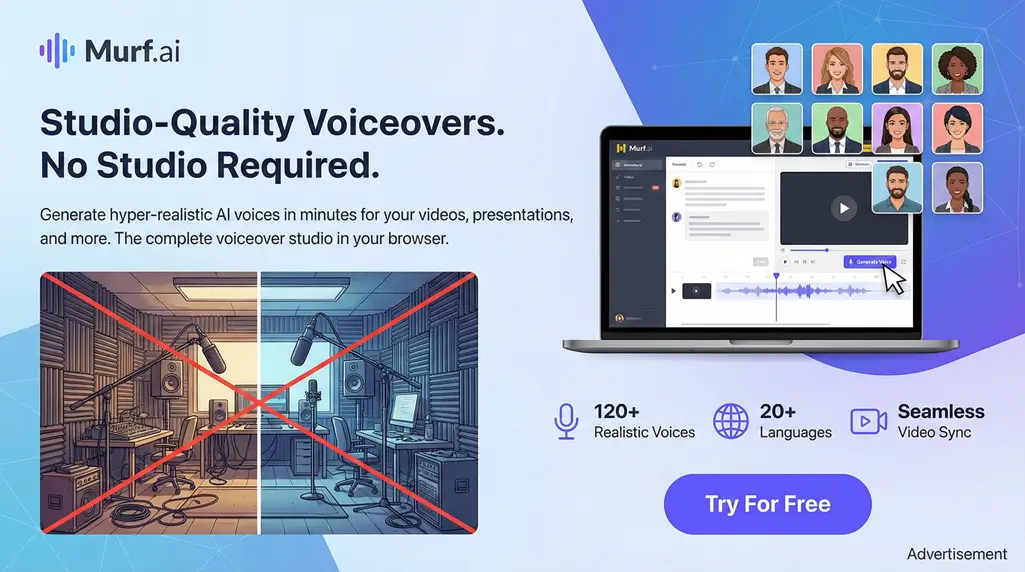
Murf AI is a great platform for voiceovers. It works for videos, podcasts, and audiobooks. Its AI makes voiceovers sound professional without needing expensive studios or voice actors.
The platform is easy to use. It lets users make high-quality voiceovers. Murf AI offers:
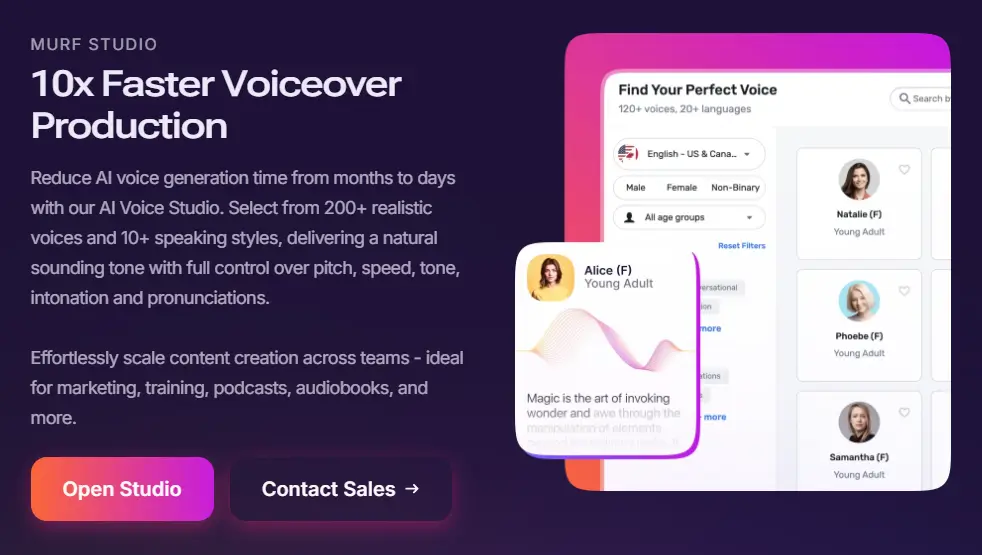
- Text-to-Speech Conversion: It turns text into speech that sounds natural.
- Customizable Voiceovers: You can pick from many voices and adjust them to fit your needs.
- Multi-Language Support: It supports many languages, perfect for creators worldwide.
Types of Subscription Plans
Murf AI has different plans for everyone. Here are some:
- Free Plan: A free plan is available for those who want to try Murf AI.
- Basic Plan: The Basic plan has more features than the free plan, like more voice generation time.
- Pro Plan: The Pro plan is for those who use Murf AI a lot. It has advanced features and more voice generation limits.
- Enterprise Plan: Large businesses can get custom plans that meet their specific needs.
Benefits of Subscribing to Murf AI
Subscribing to Murf AI has many benefits. Here are a few:
- Cost-Effective: Murf AI is cheaper than hiring voice actors or setting up a recording studio.
- Time-Saving: The platform saves you time by automating voiceovers.
- High-Quality Voiceovers: Murf AI's technology makes voiceovers sound great and natural.
Understanding your subscription plans and benefits helps you decide. If you're thinking about cancelling, review your plan. This ensures you're making the best choice for your voiceover needs.
Reasons to Cancel Murf AI Subscription
There are many reasons to cancel your Murf AI subscription. Maybe you found a better service or want to save money. Knowing why you're canceling makes it easier.
No Longer Needing Voiceover Services
If you've finished your projects, it's time to terminate your Murf AI account. This could be because you've done a big project or now do voiceovers yourself.
Needs can change, and you might not need Murf AI anymore. Canceling can save you money.
Switching to a Different Platform
Perhaps you found a new voiceover platform that fits you better. This is a common reason to stop Murf AI service. The new platform might have better prices or features.
- Better pricing models
- More advanced features
- Improved customer support
If these sound good, think about switching.
Budget Constraints
Many face budget limits. If Murf AI is too expensive, you need to know how to cancel.
Consider these points:
- Review your current expenses
- Assess the value you're getting from Murf AI
- Explore cheaper alternatives or pause options if available
Steps to Cancel Your Murf AI Subscription
Canceling your Murf AI subscription is easy. It takes just a few steps. First, you need to get into your Murf AI account.
Accessing Your Murf Account
To start canceling, follow these simple steps:
- Sign in to your Murf AI account with your login info.
- Go to your profile section.
- Find the "Manage Billing" option in your profile settings.
Once you're in the "Manage Billing" section, you're almost done.
Locating the Cancellation Option
Now, you're in the "Manage Billing" section. Here's what to do next:
- Click on the "Cancel" button next to your subscription info.
- Confirm your cancellation by following the instructions.
By following these steps, you can cancel your Murf AI membership easily. This will also disable the Murf AI feature.
Tips for a Smooth Cancellation Process
Let's make canceling your Murf AI subscription easy. To make it smooth, follow a few key steps.
Discover more details on pricing plans to ensure you're choosing the right option. Murf AI Pricing Guide provides in-depth comparisons to help youшая evaluate your current plan.
This resource covers everything from basic to pro plans, helping you understand costs associated with each tier.
It also discusses how pricing affects features like voice generation limits.
Checking Billing Cycles
Knowing your billing cycle is key to avoid extra charges. Cancel your subscription at least a day before it renews. This simple step can save you money.
Confirming the Cancellation
After you start canceling, make sure it's done. Look for a confirmation message or email. This is important to avoid more charges.
What Happens After Cancellation?
So, you've decided to cancel your Murf AI subscription - but what's next? Don't worry, we've got you covered! Let's dive into what happens after you hit that cancel button.
End of Subscription Benefits
Here's the good news: you won't lose access to Murf AI's paid features right away. You'll keep using the features you like until your billing period ends. It's like a grace period, letting you finish projects or find new solutions.
Key benefits you retain until the end of your billing cycle include:
- Access to premium voiceover features
- Ability to manage your existing projects
- Continued support from Murf AI's customer service
Deletion of Account Data
After your subscription is canceled, you might wonder about your data. Murf AI cares about your privacy and security. They follow strict data handling rules, as stated in their policy.
Remember, you should delete your data yourself. Murf AI might not remove everything right away after you cancel.
To sum up, canceling your Murf AI subscription doesn't mean you lose everything right away. You'll keep using paid features until your billing period ends. And, your data will be handled by Murf AI's privacy rules.
Customer Support for Murf AI Users
Need help canceling your Murf AI subscription? You're not alone. Their customer support is here to help. Having good customer support makes managing your subscription easier.
Murf AI knows how important good support is. They help with subscription cancellations and answer questions about their services. Their team is ready to help you.
Contact Options for Support
Getting in touch with Murf AI's support is easy. You can reach them through:
- Live Chat: For quick help, use their live chat on their website.
- Email: Send a detailed question to their support team via email.
Their support page says, "Our team is committed to solving your problems quickly." They really care about making you happy.
FAQs Regarding Cancellation
Before you cancel, you might have questions. Here are answers to common questions about canceling:
- How do I cancel my Murf AI subscription? Cancel by going to your account settings and following the prompts.
- Will I get a refund after canceling? Refund policies vary based on your plan and when you cancel. Check their refund policy or ask support.
- Can I reactivate my account after canceling? Yes, reactivate by logging in and following the steps.
One user said, "Canceling my Murf AI subscription was easy, thanks to their support team." Many agree that managing their subscription with Murf AI is simple.
In short, canceling your Murf AI subscription is easier with their great customer support. They help with cancellations and answer questions about their services. Murf AI's support team is there to help you every step of the way.
Alternatives to Murf AI
Murf AI might not be for everyone. Let's look at other voiceover options. If you want to terminate your Murf AI account, finding a good replacement is key.
Exploring Comparative Tools Can Guide Your Decision.
Check Out Murf AI vs Elevenlabs for a detailed comparison of key features and performance.
This analysis highlights strengths and weaknesses in voice quality and usability.
It helps you decide if another platform better suits your needs.
Popular Voiceover Tools
Many voiceover tools are popular among creators. Speechify Voice Over Studio is one. It has lots of customization and lets you generate up to 100 hours of voice per year. Other good ones are:
- Lumen5: It's great for making videos and adding voiceovers with AI.
- Wellsaid Labs: It has high-quality, realistic voices and lots of options.
- Resemble AI: It's known for its advanced voice cloning and customization.
Fiverr serves as a flexible alternative for finding freelancers who can create custom voiceovers on demand.
Leverage Beginner Guides on Fiverr to learn how to hire voiceover artists effectively.
The beginner's guide covers profile setup and gig selection tips.
It ensures you get high-quality results without committing to a subscription.
Comparing Features and Prices
When picking a Murf AI alternative, compare features and prices. Here's a quick look:
| Tool | Customization Options | Annual Voice Generation Limit | Pricing |
|---|---|---|---|
| Speechify Voice Over Studio | High | 100 hours | $X per month |
| Lumen5 | Medium | N/A | $Y per month |
| Wellsaid Labs | High | N/A | $Z per month |
To consider platforms like Gumroad for selling voiceover-related products, review this guide.
Visit the Gumroad Overview to understand how it compares in terms of fees and ease of use.
The overview explains payment processing and digital product delivery.
It can be useful if you're pivoting to freelance or selling voiceover services independently.
How to Reactivate Your Murf AI Account
Murf AI makes it easy to start again if you canceled before. If you're thinking about starting your Murf AI subscription again, you're not alone. Many users need Murf AI's top-notch voiceover services.
Steps for Reactivation
To reactivate your account, follow a few easy steps. First, log back into your Murf AI account with your old login info. Then, go to your account settings to find the option to resubscribe or reactivate.
- Log in to your Murf AI account.
- Go to your account settings.
- Select the option to resubscribe or reactivate.
- Confirm your decision to reactivate.
What to Expect When Reactivating
When you reactivate, you'll get back to all Murf AI's features and benefits. Your old settings and preferences will stay the same. You might also see new features or updates.
Key Benefits of Reactivating:
- Immediate access to your previous projects.
- Retention of your customized settings.
- Access to any new features or improvements.
If you have trouble reactivating, Murf AI's customer support is here to help. They make sure you can easily get back to using their services.
User Experiences with Canceling Murf AI
If you're thinking about canceling Murf AI, you're not alone. Many people have done it. Their stories can help you understand what to expect.
Finding Freelance Services Can Aid in Voiceover Needs.
Explore Alternatives Through Best Fiverr Competitors to discover platforms for quick voiceover hires.
This guide discusses key differences in pricing and service quality.
It helps identify options that might avoid subscription hassles altogether.
Common Concerns
Users often worry about losing access to features or dealing with customer support when they cancel Murf AI. Some common worries include:
- Difficulty in finding the cancellation option on the platform.
- Uncertainty about the refund process and whether they will be charged again.
- Fear of losing saved projects or data associated with their account.
Knowing about these worries can help make canceling easier. For example, learning that disabling Murf AI features is easy can reduce stress.
Success Stories
Many users have canceled their Murf AI subscriptions without trouble. Here are a few examples:
- A user who didn't need voiceover services anymore found canceling to be simple and hassle-free.
- Another user, who moved to a different platform, was grateful for the clear instructions from Murf AI during cancellation.
- A third user, who had budget issues, was happy to find no hidden charges after canceling.
These stories show that canceling Murf AI can be done well with the right information.
FAQs About Canceling Murf AI
If you're thinking about canceling Murf AI, you're not alone. Many people have questions about how to do it and what it means. We'll answer some common questions to help you decide.
What if I Change My Mind After Cancelling?
If you decide you want to use Murf AI again after canceling, you can. Murf AI lets you start again whenever you want. Just log in and follow the steps to resubscribe.
As Murf AI says, "You can come back to us whenever you're ready to start creating again."
"The flexibility to pause or restart your subscription is just one of the many benefits of using Murf AI."
Can I Pause My Subscription Instead?
Yes, you can pause your Murf AI subscription instead of canceling. This is good if you're not sure about your future needs or if you just need a break. To pause, go to your account settings and find the "Pause Subscription" option.
Remember, pausing might change your billing cycle. It's smart to check with Murf AI's support team about this.
Key Points to Consider:
- You can reactivate your Murf AI account after canceling.
- Pausing your subscription is an alternative to canceling.
- Check your billing cycle when pausing or canceling.
Knowing your options helps you make the best choice for your voiceover needs. Whether you cancel, pause, or keep using Murf AI, it's designed to be flexible and helpful.
Final Thoughts on Murf AI Cancellation
Before you cancel your Murf AI membership, think about your needs. Are you using it a lot or looking for something else?
Enhancing Your Projects with Better Tools.
Learn About Screencast O Matic for video and screen recording that complements voiceover work.
This tool offers features for creating engaging presentations.
It can be a cost-effective alternative for multimedia production without long-term subscriptions.
Weighing the Pros and Cons
Think about why you might cancel Murf AI. Canceling can save you money. But, you might miss a tool that helps you make great content.
- Pros of canceling:Cost savings
- Avoiding unused services
- Exploring alternative options
- Cons of canceling:Loss of a valuable tool
- Potential impact on content quality
- Reactivation complexities
Making an Informed Decision
Think about what you need and how Murf AI fits. Ask yourself: "Does canceling Murf AI match my goals?"
"The key to making a great decision is to consider multiple perspectives and evaluate the possible outcomes."
By thinking about the good and bad sides, you can make a choice that's right for you. Whether you cancel or keep Murf AI, make sure it fits your plans.
Resources for Voiceover Solutions
After you cancel your Murf AI subscription, you might look for new voiceover tools. There are many resources to help you find what you need.
Start with online communities. Sites like Reddit, Discord, and forums are full of voiceover info. You can talk to others, ask questions, and learn from their experiences.
Discovering New Tools
Don't forget tutorials and guides. YouTube, Udemy, and Skillshare have lots of voiceover courses and videos. These can improve your skills and keep you up-to-date with trends.
Enhancing Your Skills
Exploring these resources helps you choose the right tool after Murf AI. They guide you through the process and help you find the best voiceover solution.

Address
c/o Postflex #586
Emsdettener Straße 10
48268 Greven
Germany

If you click on them and make a purchase, I may receive a small commission.
The price remains exactly the same for you. Thank you for your support!